

English practice, on your own device
Real voices.
Every word, in time.
Bring a podcast, a lecture or a video. ReadAloud matches every word to its moment in the audio, then lets you read along, write what you hear and say it back — one sentence at a time.
- Free during the beta
- No account
- Works offline
Fig. 1
The Fox and the Crow, as the app hears it
Loudness every 25 ms; each word placed at the moment the app timed it. One row per sentence, one time scale. Click anywhere to play from there.
Live demo · real timings from the app
0:00.0 / 0:58.3
Nowpress play
Swipe the chart sideways to follow the voice
The same recording, as textTap any word to hear it from there
How to read the chart
- How loud the voice is, every 25 ms. Strong: already heard; faint: still to come.
- Where a word starts. Its label begins at that moment.
- The word being spoken, in the app's highlighter.
- The playhead: where the audio is now.
- One second, at this scale.
← → move by sentence · Space plays or pauses
§2 Fig. 2 · One sentence, four times
How a sentence becomes practice
Listen, write, speak, one sentence at a time. Follow one sentence from the recording above: heard, written, said, and due again.
-
01 · Listen first
Heard
Annotation
The words stay blurred until you have heard them: that is Listen first, one of the seven modes.
Loop a sentence until you catch it.
-
02 · Listen & write
Written
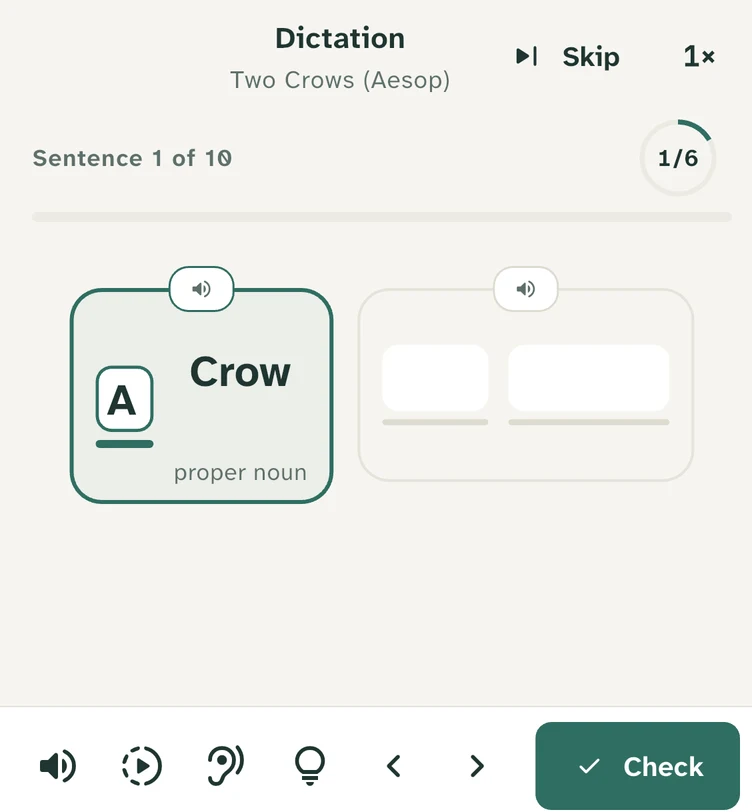
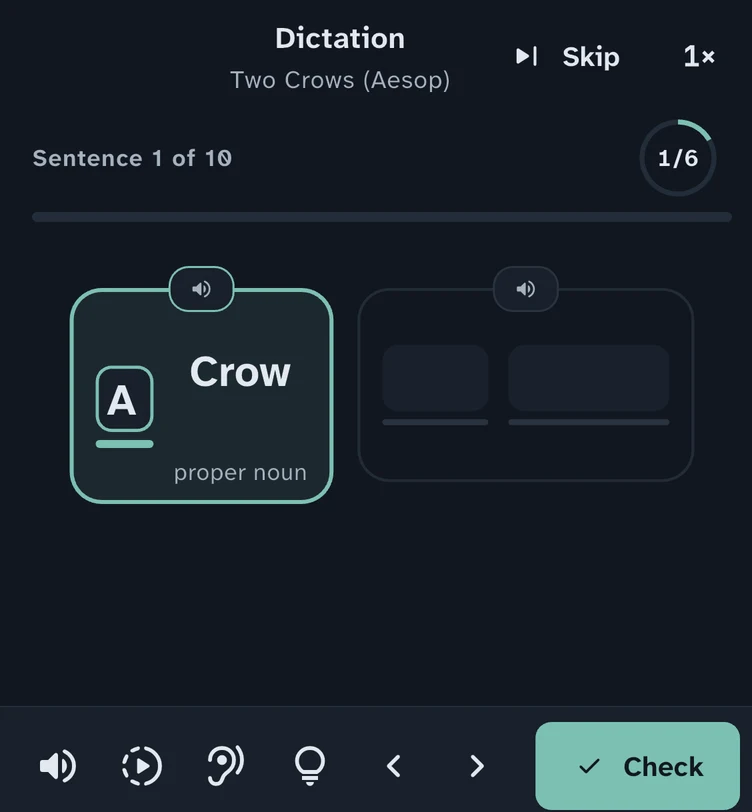
Dictation in the app, on the same reader. Annotation
Write it word by word in dictation, and the ones you miss come back at the end.
Sentence by sentence, or part by part · Gentle · Standard · Challenging
-
03 · Read aloud · Shadowing
Said
The narrator's timing, word by word: each bar runs from where the app timed a word's start to its end. Annotation
Read it after the narrator and see how close you are: scored for accuracy, completeness, fluency, rhythm and intonation.
Or speak along with the voice and see your timing against it.
-
04 · Review · Today
Due again
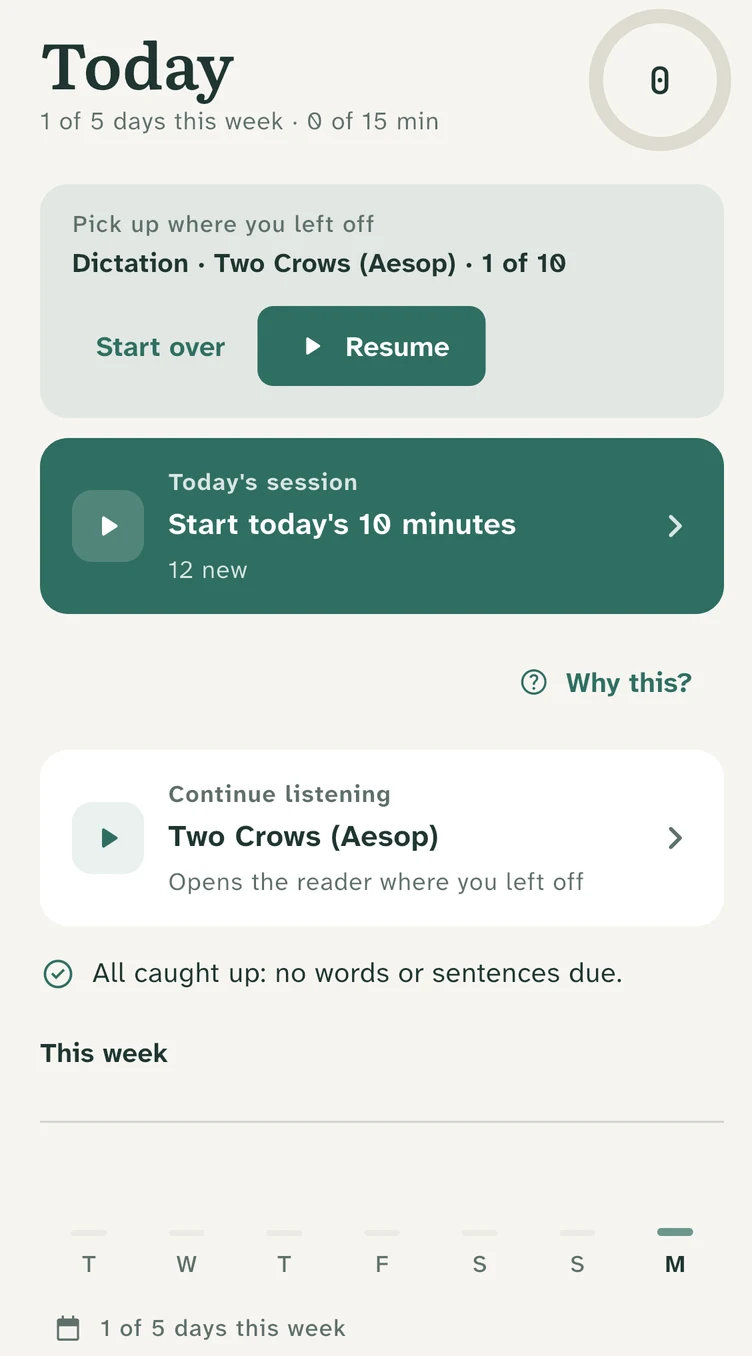
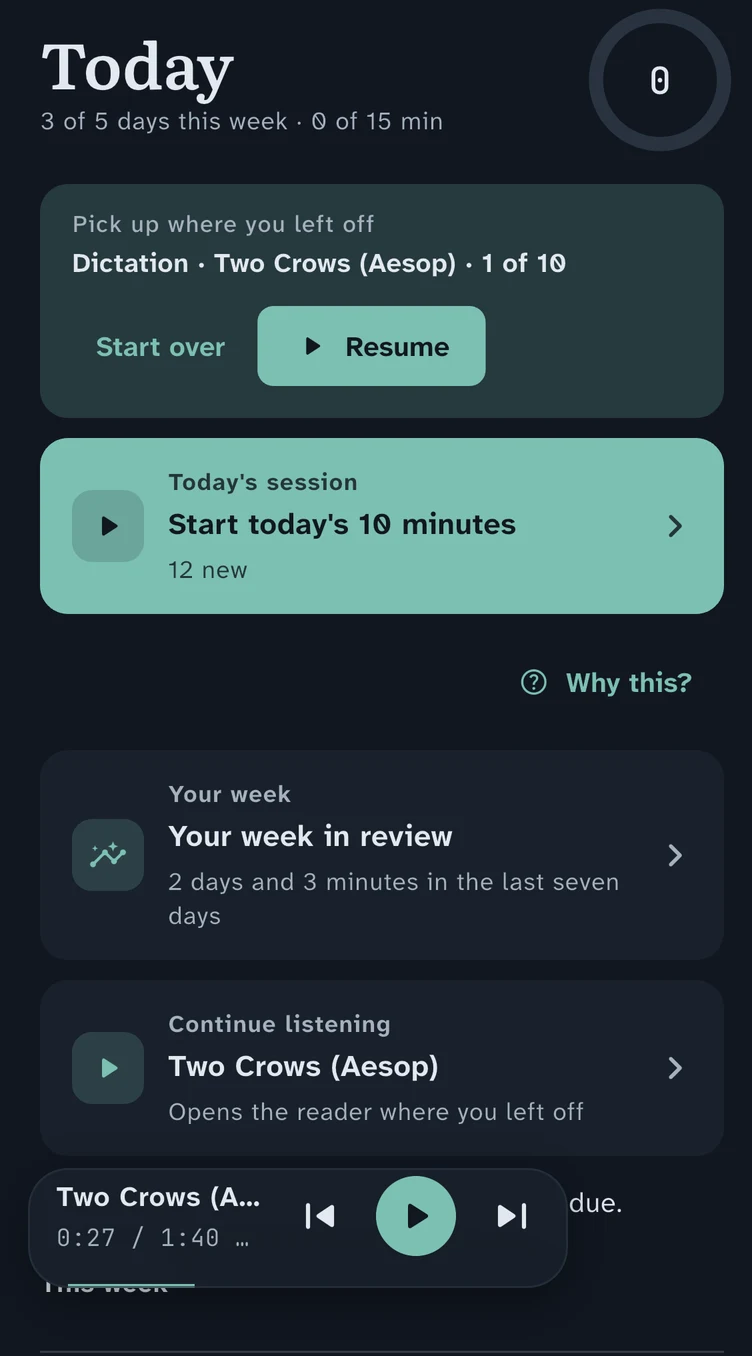
Today in the app (top of the screen). Annotation
The words you save and the sentences you practise come back for review, on a schedule.
Today puts the day together: a short session, where to pick up, and the days you've practised this week.
Offline dictionary with word levels · Export to CSV or Anki with audio clips
§3 Practise it
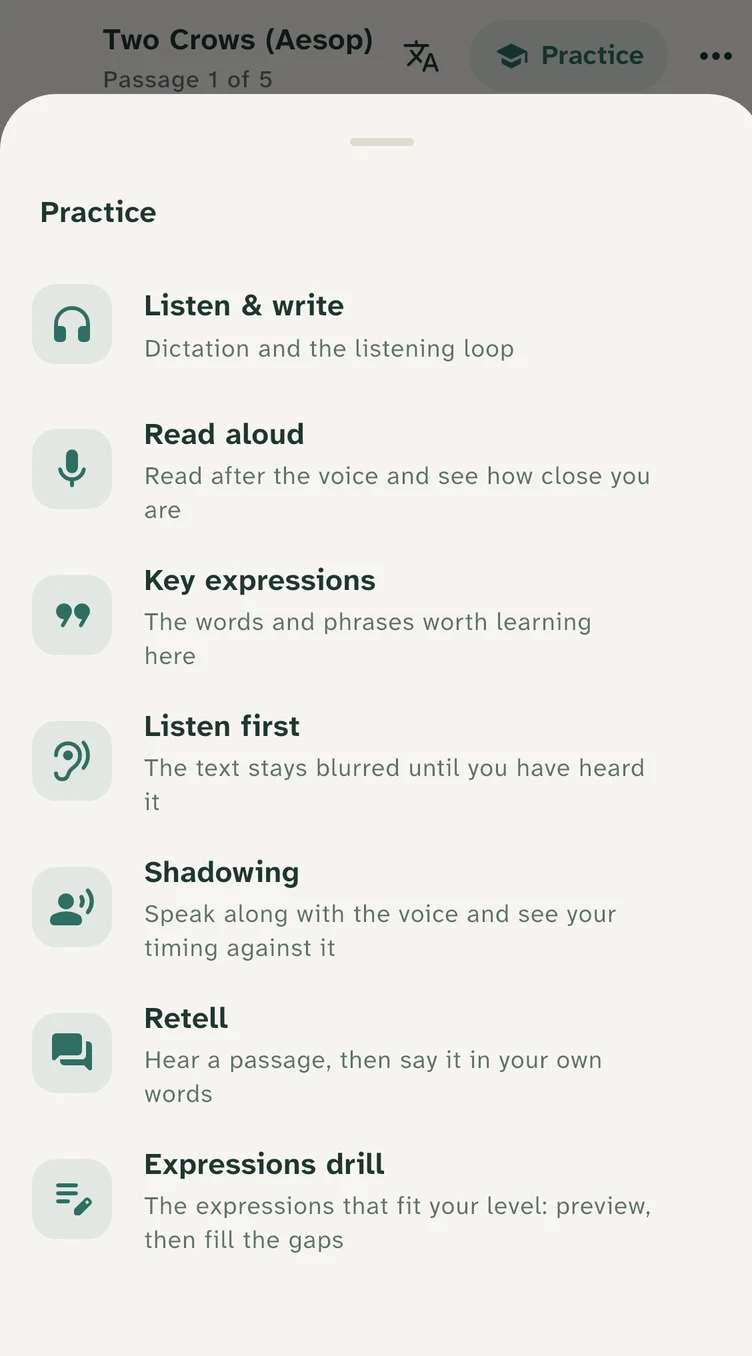
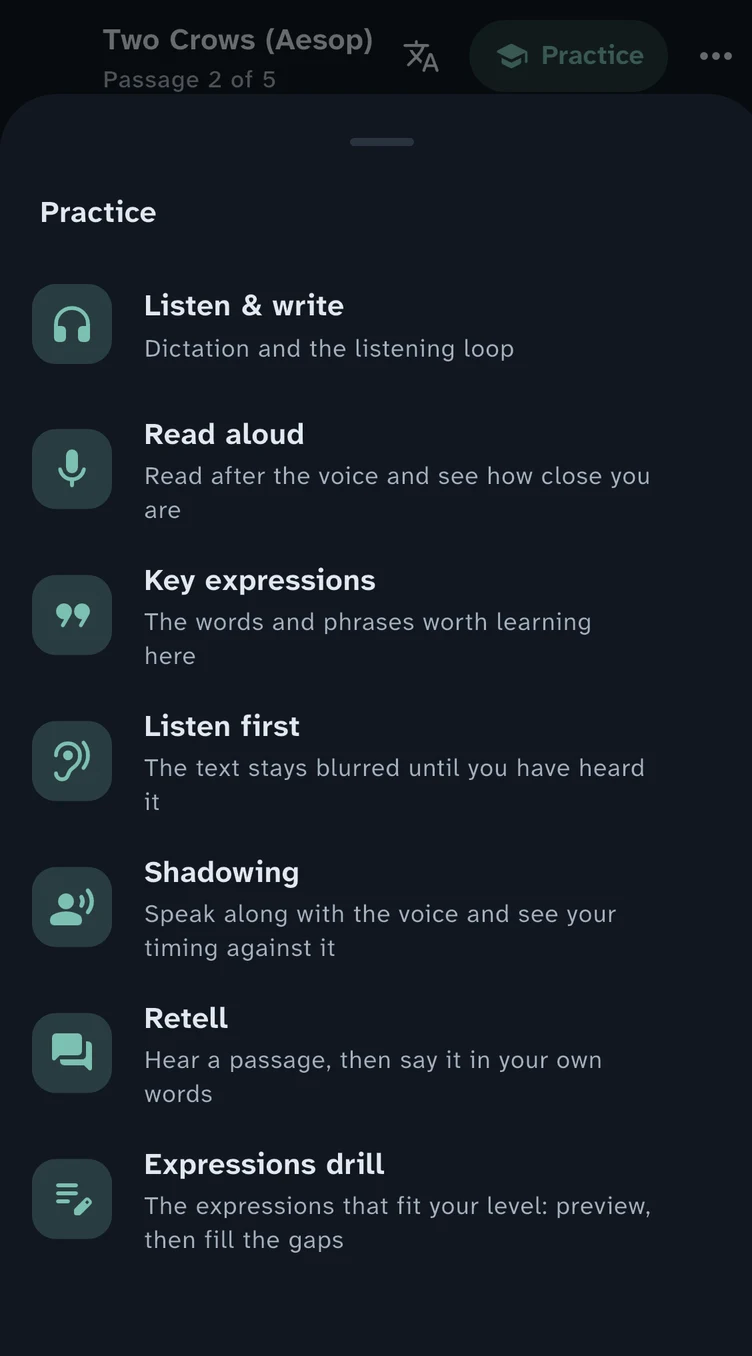
Seven ways to practise
Loop a sentence until you catch it. Write it word by word in dictation, and the ones you miss come back at the end. Read it after the narrator and see how close you are.
| No. | Mode | What you do |
|---|---|---|
| 01 | Listen & write | Dictation and the listening loop |
| 02 | Read aloud | Read after the voice and see how close you are |
| 03 | Key expressions | The words and phrases worth learning here |
| 04 | Listen first | The text stays blurred until you have heard it |
| 05 | Shadowing | Speak along with the voice and see your timing against it |
| 06 | Retell | Hear a passage, then say it in your own words |
| 07 | Expressions drill | The expressions that fit your level: preview, then fill the gaps |
§4 Bring anything
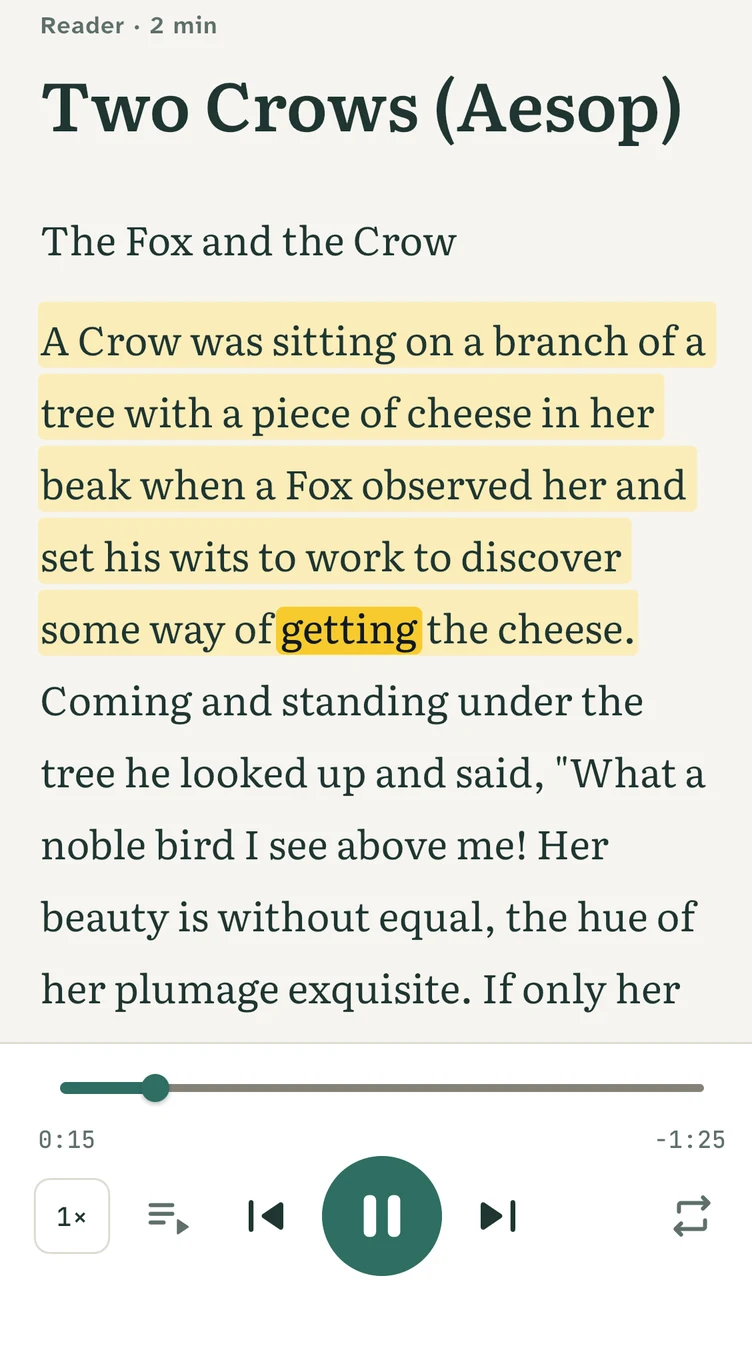
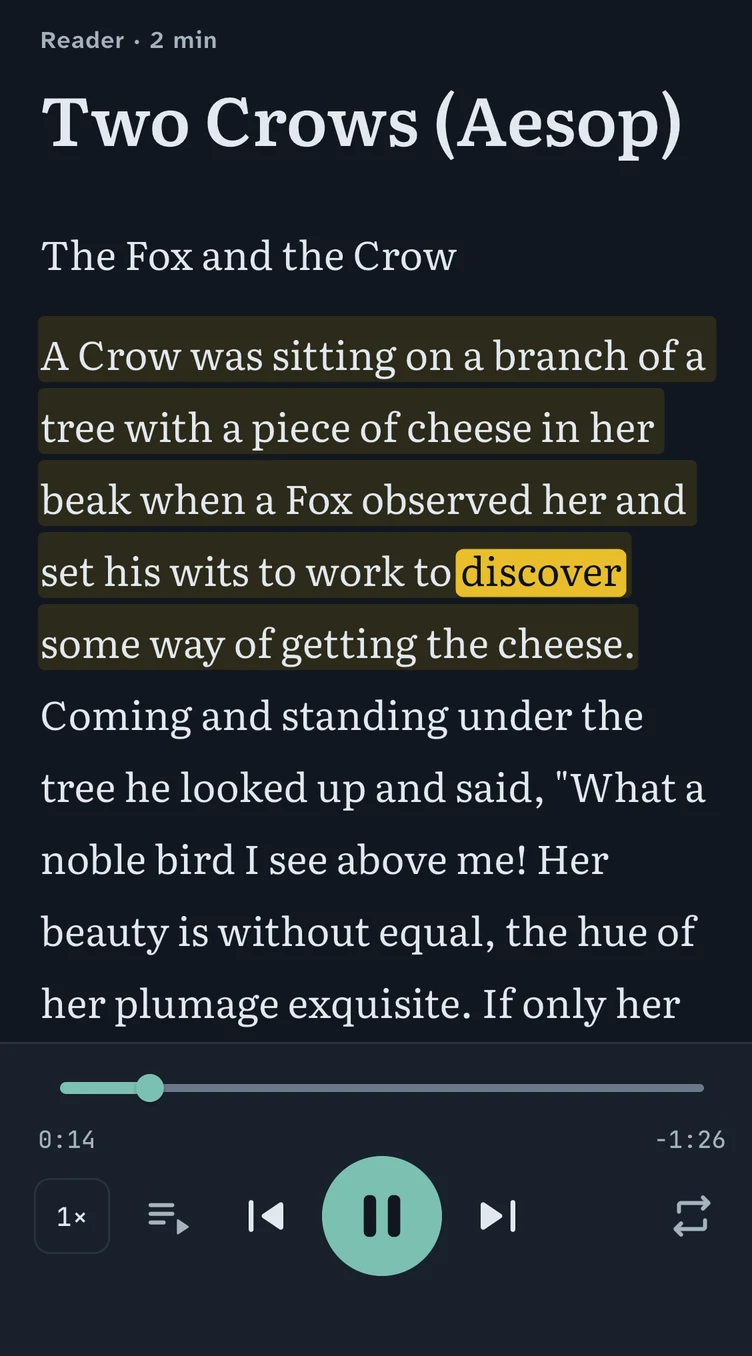
A recording becomes a reader, word-exact
Audio or video, with or without its text: podcasts, lectures, audiobooks, films, an exam listening test. The app listens on your device and times every word.
| Kind | Formats | Notes |
|---|---|---|
| Audio | MP3 · M4A · AAC · WAV · FLAC · OGG | With or without a transcript. No transcript? It writes one. |
| Video | MP4 · MOV · MKV | With or without a transcript. |
| Books | EPUB | |
| Documents | ||
| The web | Articles | |
| Podcasts | Listen & Watch | Picked in the app. |
| Text alone | — | Read aloud with the device's voices. |
§5 The facts
ReadAloud, by the numbers
Four figures, set large. Each footnote says exactly what its number covers.
367Footnote 1
practice sets for four English exams
languages for meanings and translations, besides English
accounts to make
Who it is for
For learners of every first language. If your English is somewhere between B1 and C1 and you learn best from real voices, ReadAloud is built for you.
- Exam candidates
- English at work
- Lifelong learners
- A1
- A2
- B1
- B2
- C1
- C2
- 1Exams. 367 practice sets in 13 packs for TOEFL, PTE, IELTS and the Duolingo English Test, by skill: speaking, listening, reading, writing. Repeat, read aloud and shadow model answers, scored on the device.
- 2Languages. If your language isn't covered you get clear English definitions. The interface is in English, Simplified Chinese and Traditional Chinese today, more to come.
- 3Themes. Paper, Mist, Sepia, Sky; Night, True Black, Dusk, Mocha. The voice is marked in highlighter yellow, or any colour you choose.
- 4Accounts. No sign-up, no email, no password. Free during the beta.
§6 Private by design
Your recordings stay on your device
Speech recognition and word alignment run on the phone or computer. Listening, word timing, practice and the dictionary work offline once the speech models are downloaded.
Your phone or computer
- Your recordingAudio, video, a book or an article
- Speech recognitionRuns locally, even in flight mode
- Word alignmentEvery word matched to its moment
- Reader and practiceListen, write, speak, review
- 01
Runs on the device
Speech recognition and word alignment run locally — even in flight mode.
- 02
No account
Open the app and start. No email, no password, no profile.
- 03
You choose what leaves
AI meanings and translation are optional, and use the service you pick.
- 04
Sync through your own cloud
One library on every device, through iCloud or a folder you choose.
§7 Free during the beta
Get notified at launch
Coming to the App Store, Google Play and the Microsoft Store. Leave your email and we'll tell you the day it's out.
| Device | Needs | Status |
|---|---|---|
| iPhone & iPadThis device | iOS 17+ | Coming soon App Store |
| Mac with Apple siliconThis device | macOS 14+ | Coming soon Mac App Store |
| AndroidThis device | Android 10+ | Coming soon Google Play |
| WindowsThis device | 10 and 11 | Later Microsoft Store |
Thanks — you're on the list.
One email, the day it's out.